
lutrain by Otterview Industrial visual inspection
Train vision models for industrial inspection
Use images from your production line to train a computer vision model. Check which defects it misses, then export the model in a format your device supports.
How teams work together
Quality engineers define what to catch. AI teams train the model.
Quality engineers
Decide which defects matter on the line, collect examples, and agree on how to label borderline cases.
AI & computer vision teams
Turn those examples into a reviewed dataset, train and compare models, then test the exported model on the target device.
The inspection workflow
From line images to a model you can export
Prepare
Collect images of good parts and defects
Create a CV object detection project and import images of acceptable parts and known defects. Include the variations the camera will see on the line: different batches, shifts and lighting conditions.
Set aside images from separate batches or production runs for evaluation before training.
Dataset guide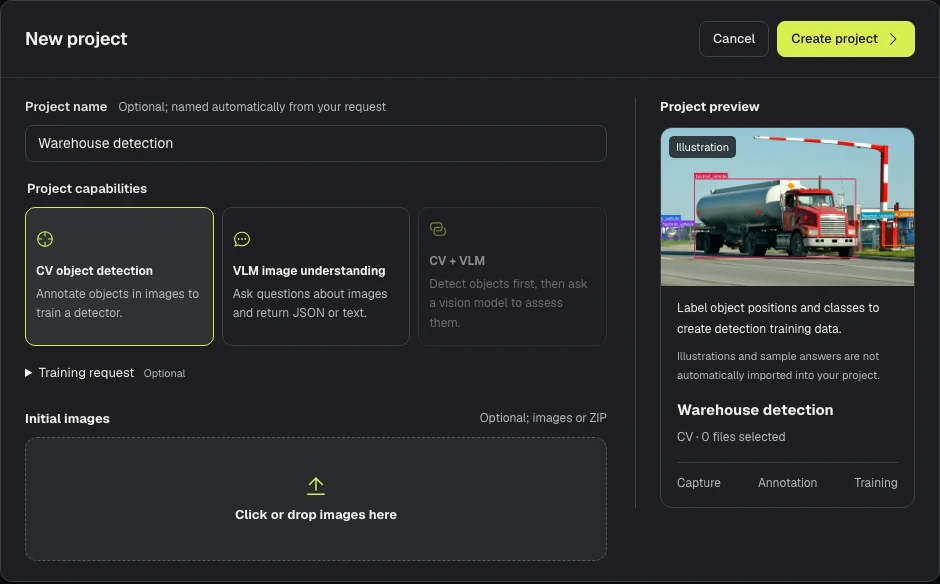
Annotate
Label and review defects
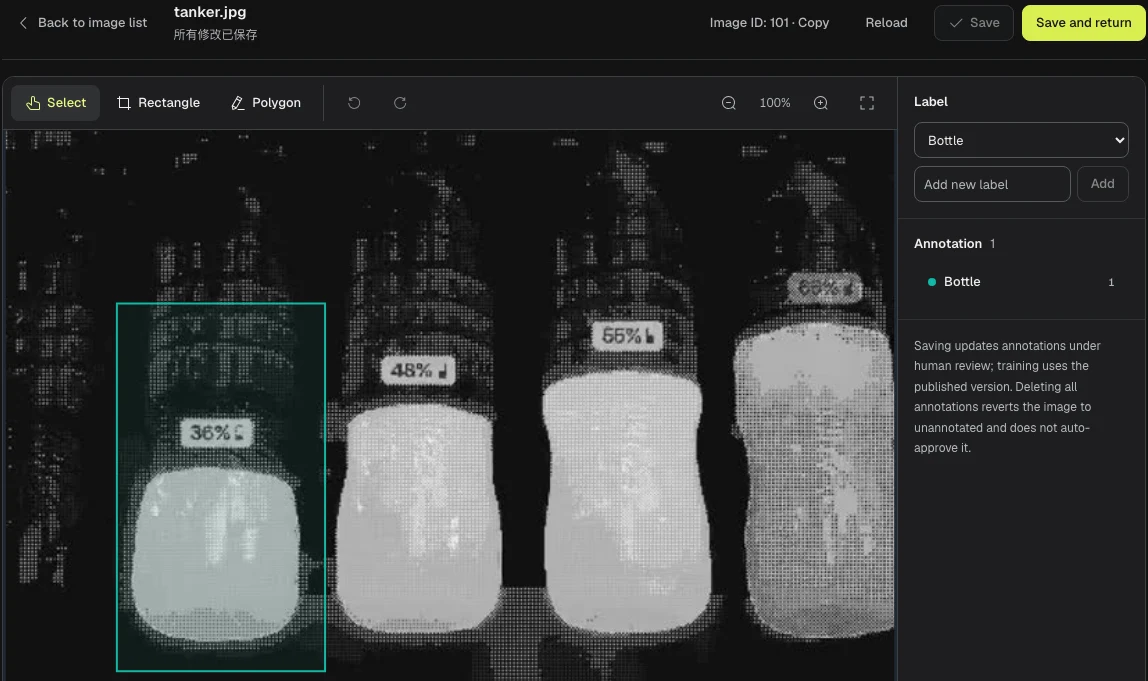
Define the defects to detect, then draw a box around each visible instance. Give reviewers a rule for borderline cases, such as where a scratch ends or how to label a partly obscured defect.
Review suggested labels before accepting them, then publish a dataset version for training.
Annotation guide
Train
Train on a reviewed dataset version
In New CV training, choose the reviewed dataset version, a compatible base model and the runtime hardware. Start a run and track its status.
Keep the dataset version and run settings together so you can tell what changed between runs.
Training guide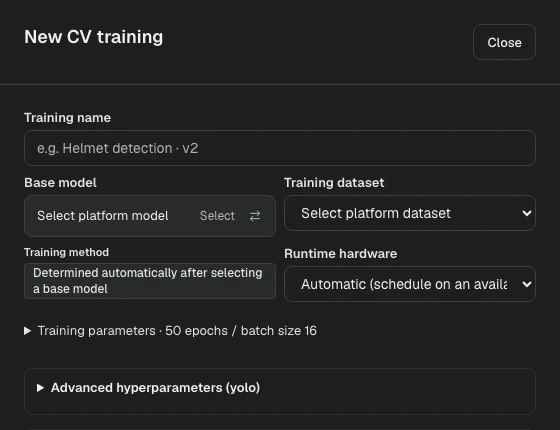
Evaluate
Check for missed defects and false alarms
Use Manual test to inspect predictions on a single image. Then run a batch evaluation on held-out images and compare model versions against the same set.
Look for missed defects and acceptable parts flagged as defective. Use those examples to decide what to collect or relabel next.
Batch evaluation guide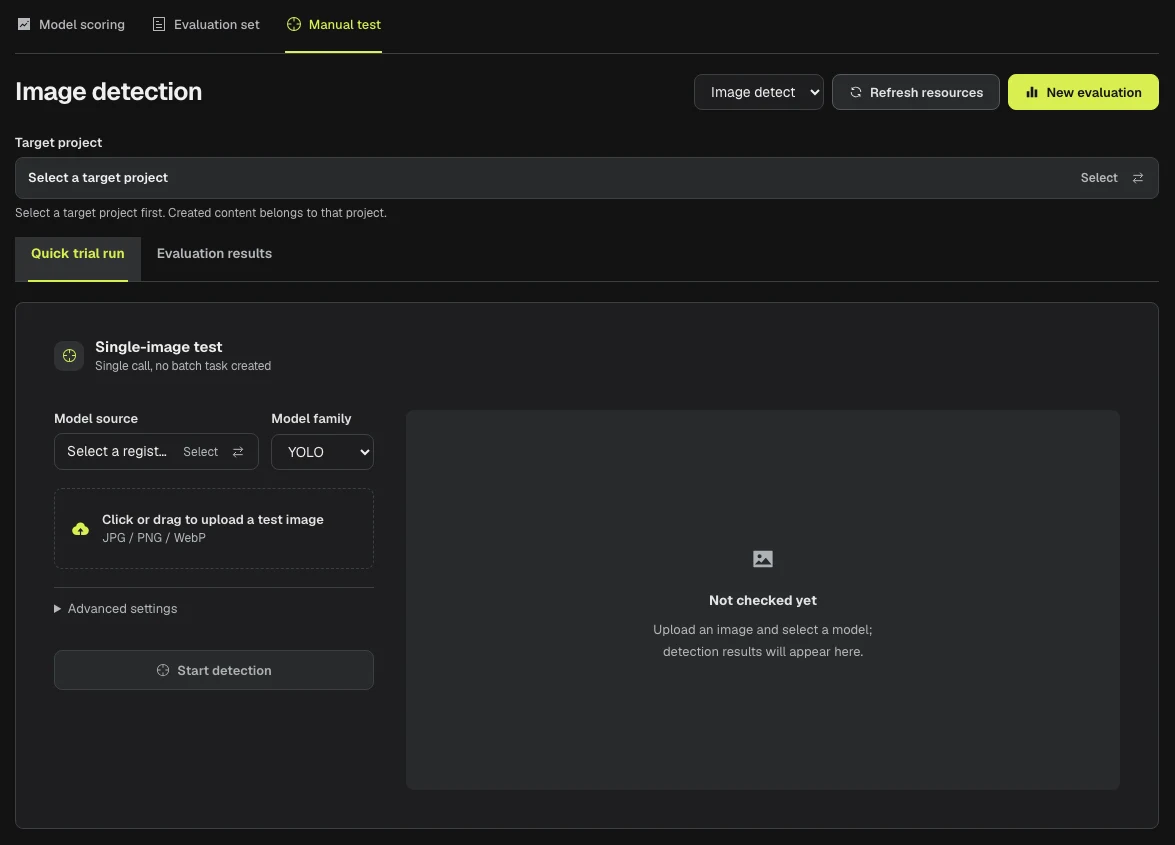
Export
Export a model for your device
Open Export and deploy for the selected model. Choose an export format, precision and input size supported by your target runtime.
Check predictions and inference speed on the actual device before connecting it to the inspection line.
Model export guide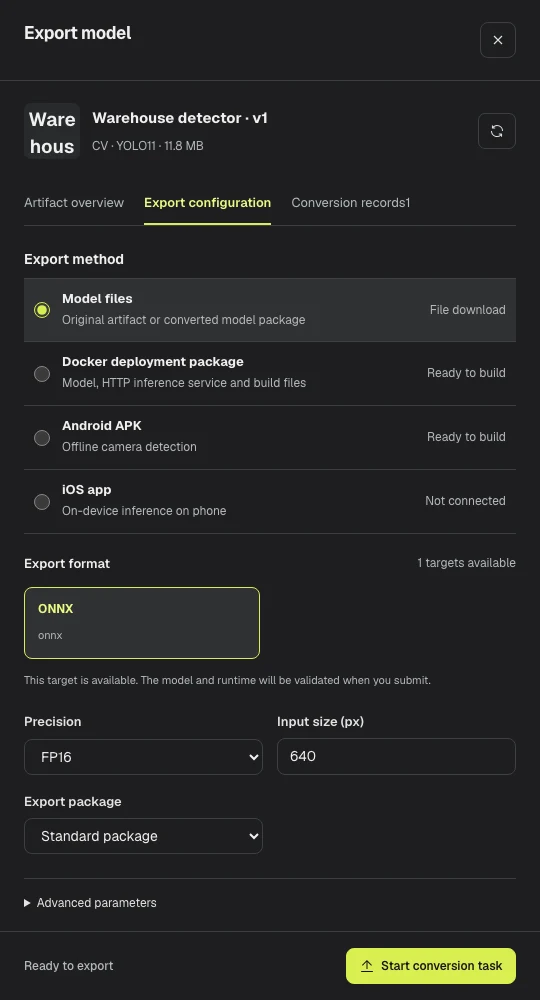
Start with one inspection station
Bring a few images of good parts and defects, and tell us what hardware you use. We can help you decide what to label and how to evaluate your first model.